Elementor forms can submit correctly in WordPress while the webhook to a CRM times out, rejects a payload, or creates duplicates. Without a retry queue, the failure may disappear into logs while paid traffic and sales teams see missing leads.
Use this for WordPress lead sites that connect Elementor Forms to HubSpot, Salesforce, GoHighLevel, Zoho, Zapier, Make, custom CRMs, or Google Ads conversion uploads.
Quick answer
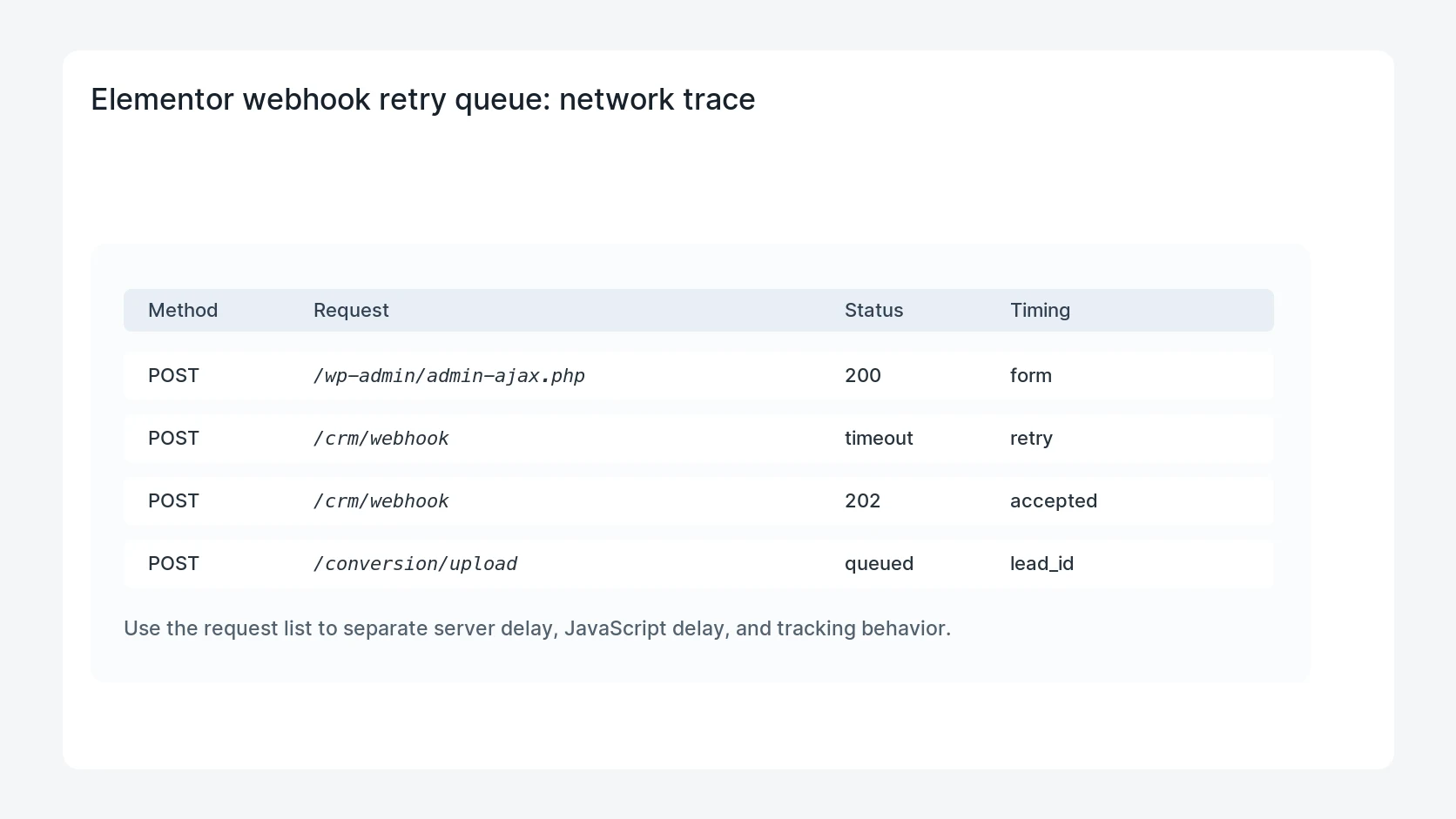
Elementor Webhook Retry Queue for CRM Leads should be handled with a narrow evidence-first workflow: create lead id, store payload evidence, retry temporary failures, then verify the result before making broader changes.
What to check first
- Create a stable lead ID before the webhook leaves WordPress.
- Store form ID, page URL, consent state, payload hash, CRM endpoint, response code, and attempt count.
- Retry temporary failures with backoff and send permanent mapping errors to an owner.
- Deduplicate by lead ID and CRM target before replaying failed rows.
- Alert operations when lead failures pass an age, count, or ad-spend threshold.
Diagnostic table
Use this table to keep the work practical. It connects the symptom to evidence and a verification step.
| Action | Evidence to collect | How to verify |
|---|
| Create lead ID | Create a stable lead ID before the webhook leaves WordPress. | A failed CRM webhook creates a visible queue row. |
| Store payload evidence | Store form ID, page URL, consent state, payload hash, CRM endpoint, response code, and attempt count. | Temporary failures retry without duplicating the CRM lead. |
| Retry temporary failures | Retry temporary failures with backoff and send permanent mapping errors to an owner. | Permanent mapping errors stop retrying until the source is fixed. |
| Deduplicate replay | Deduplicate by lead ID and CRM target before replaying failed rows. | Google Ads and CRM lead counts reconcile after replay. |
Useful command or data shape
Adapt paths, IDs, and privacy handling to the site before running commands or storing data on production.
webhook_queue_row:
  lead_id: elm-4414
  form_id: quote_request
  endpoint: crm_leads
  status: failed
  error_type: missing_phone
  attempts: 1
  next_action: fix_mapping
Safe fix order
Do the work in a sequence that makes each result easy to prove. Stop if a step produces new evidence that changes the incident scope.
- Create lead ID
- Store payload evidence
- Retry temporary failures
- Deduplicate replay
- Alert owners
Production verification checklist
- A failed CRM webhook creates a visible queue row.
- Temporary failures retry without duplicating the CRM lead.
- Permanent mapping errors stop retrying until the source is fixed.
- Google Ads and CRM lead counts reconcile after replay.
Mistakes to avoid
- Do not judge the fix by one browser or the homepage only.
- Do not delete evidence before recording usernames, file paths, timestamps, and response headers.
- Do not add a cache, security, or tracking plugin while the original problem is still unclear.
- Do not leave test users, temporary debug logs, or broad API keys active after verification.
When HandL WP should help
Bring in help when this affects leads, checkout, search visibility, malware risk, paid media reporting, or a client production site. HandL WP can trace the issue through WordPress, hosting, cache, tracking, and Search Console, then verify the workflow after the technical fix.
If this is active on a production site, fix Elementor lead tracking.
Related HandL WP guides
Use these related guides when the same issue touches tracking, security, checkout, or crawler visibility.
Helpful references