A Gravity Forms upload retention policy is incomplete if it ignores backups. Uploaded files may remain in host snapshots, S3 lifecycle archives, CRM attachments, email inboxes, and exported ZIP files after the WordPress entry is deleted.
Use this for forms that collect resumes, photos, IDs, contracts, claims, support files, medical documents, legal intake files, or other sensitive uploads.
Quick answer
Gravity Forms File Upload Backup Retention Risk should be handled with a narrow evidence-first workflow: map file copies, record backup windows, compare policy, then verify the result before making broader changes.
What to check first
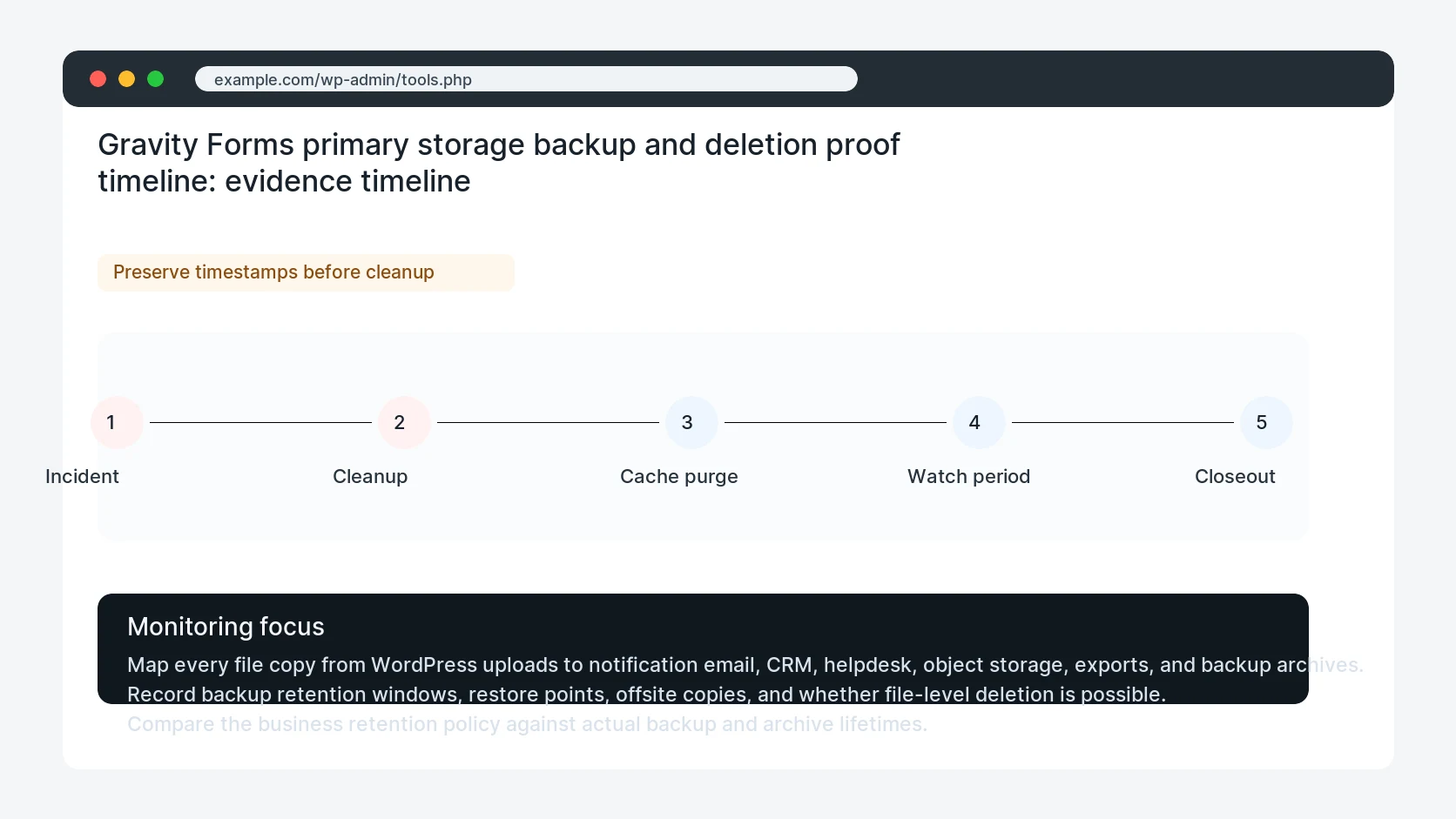
- Map every file copy from WordPress uploads to notification email, CRM, helpdesk, object storage, exports, and backup archives.
- Record backup retention windows, restore points, offsite copies, and whether file-level deletion is possible.
- Compare the business retention policy against actual backup and archive lifetimes.
- Test one deletion path and record which copies disappear immediately, later, or only through archive expiration.
- Add a privacy exception process for legal holds, active disputes, and required records.
Diagnostic table
Use this table to keep the work practical. It connects the symptom to evidence and a verification step.
| Action | Evidence to collect | How to verify |
|---|
| Map file copies | Map every file copy from WordPress uploads to notification email, CRM, helpdesk, object storage, exports, and backup archives. | Every upload storage location has a keep, delete, archive, or exception rule. |
| Record backup windows | Record backup retention windows, restore points, offsite copies, and whether file-level deletion is possible. | The owner knows when backup copies expire after a primary deletion. |
| Compare policy | Compare the business retention policy against actual backup and archive lifetimes. | A test file produces a deletion proof record across primary storage and known copies. |
| Test deletion | Test one deletion path and record which copies disappear immediately, later, or only through archive expiration. | Sensitive upload forms have file type, access, and retention rules documented. |
Why this usually happens
- The team deletes entries but forgets nightly backups and email attachments.
- Offsite backups keep whole uploads folders for months after a file was removed from WordPress.
- S3 lifecycle rules cover current objects but not versions or replicated archives.
- A CRM or helpdesk stores the attachment outside the WordPress retention process.
- No one owns deletion proof, so the policy cannot be defended later.
Field notes
- A backup retention risk is not always a bug. It becomes a problem when the owner thinks a file is gone but archive copies remain.
- Document the gap in plain language before promising file deletion timelines.
Useful command or data shape
Adapt paths, IDs, and privacy handling to the site before running commands or storing data on production.
upload_backup_map:
  form: warranty-claim
  file_field: product_photos
  primary_path: wp-content/uploads/gravity_forms/7/2026/07/
  copies: [admin_email, crm_attachment, daily_backup, s3_replica]
  primary_retention: 90_days
  backup_retention: 35_days
  deletion_proof: entry_id, object_key, backup_expiry_date
Safe fix order
Do the work in a sequence that makes each result easy to prove. Stop if a step produces new evidence that changes the incident scope.
- Map file copies
- Record backup windows
- Compare policy
- Test deletion
- Add exceptions
What to tell the client or owner
Tell the owner which copies can be deleted now, which expire through backup retention, and which systems require separate cleanup.
Production verification checklist
- Every upload storage location has a keep, delete, archive, or exception rule.
- The owner knows when backup copies expire after a primary deletion.
- A test file produces a deletion proof record across primary storage and known copies.
- Sensitive upload forms have file type, access, and retention rules documented.
Mistakes to avoid
- Do not judge the fix by one browser or the homepage only.
- Do not delete evidence before recording usernames, file paths, timestamps, and response headers.
- Do not add a cache, security, or tracking plugin while the original problem is still unclear.
- Do not leave test users, temporary debug logs, or broad API keys active after verification.
When HandL WP should help
Bring in help when this affects leads, checkout, search visibility, malware risk, paid media reporting, or a client production site. HandL WP can trace the issue through WordPress, hosting, cache, tracking, and Search Console, then verify the workflow after the technical fix.
If this is active on a production site, review Gravity Forms upload storage and backup risk.
Related HandL WP guides
Use these related guides when the same issue touches tracking, security, checkout, or crawler visibility.
Helpful references