Gravity Forms upload fields can collect resumes, contracts, IDs, medical files, screenshots, and support documents. If those files stay in public WordPress upload paths, the site needs a storage policy that defines private object storage, signed URLs, retention, notifications, and access logging.
Use this for WordPress sites collecting sensitive documents through Gravity Forms, especially when uploads are emailed, sent to CRMs, stored in S3, or accessed by vendors.
Quick answer
Gravity Forms File Upload Private Storage S3 Policy should be handled with a narrow evidence-first workflow: inventory uploads, classify files, move private files, then verify the result before making broader changes.
What to check first
- Inventory forms, fields, file types, upload paths, notification attachments, and CRM destinations.
- Classify which uploaded files are public, private, temporary, or sensitive.
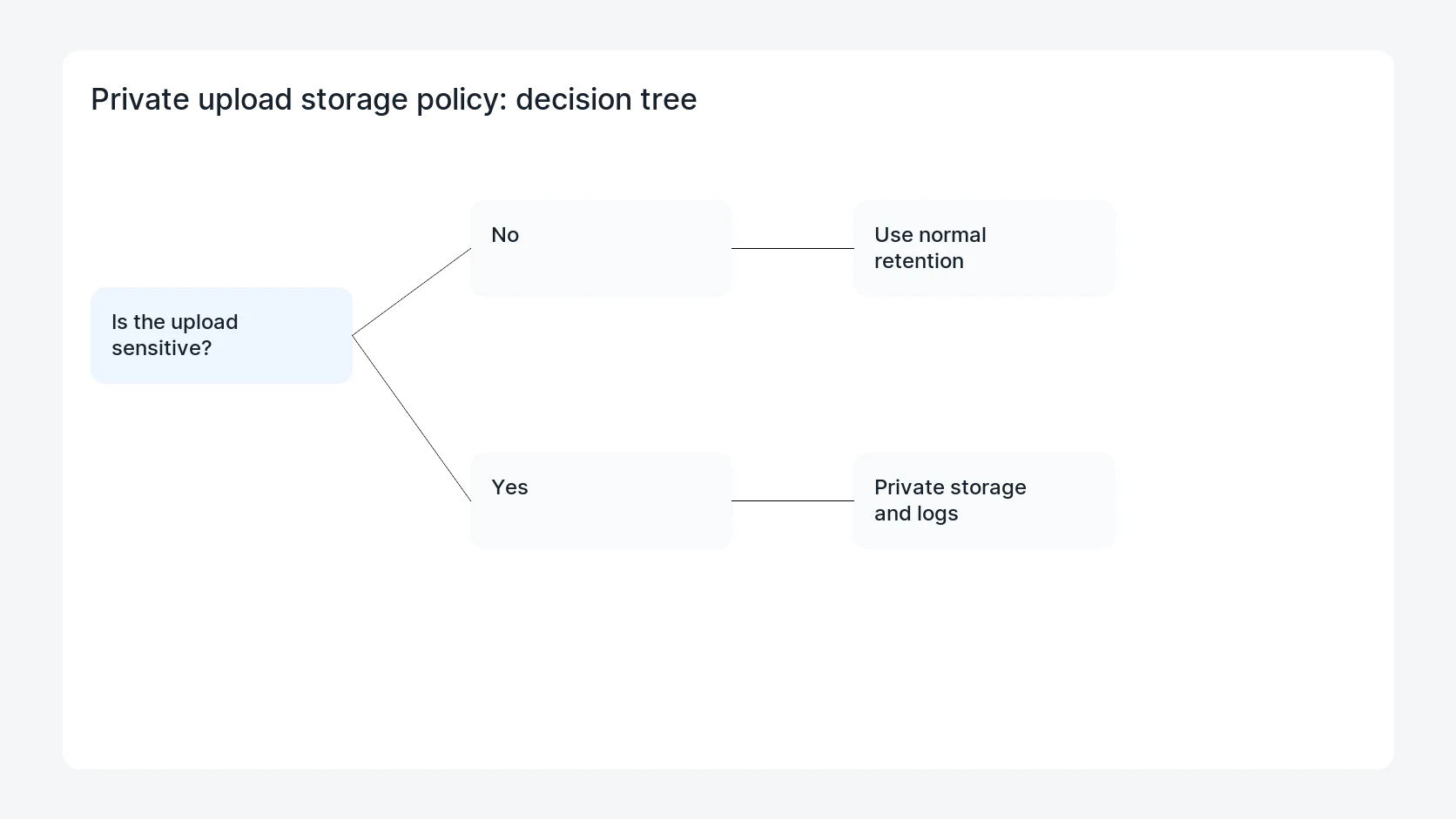
- Move sensitive files out of public web paths or behind signed URLs and access controls.
- Set retention, deletion, logging, and owner rules for private storage.
- Retest form submission, notification links, entry downloads, and vendor access.
Diagnostic table
Use this table to keep the work practical. It connects the symptom to evidence and a verification step.
| Action | Evidence to collect | How to verify |
|---|
| Inventory uploads | Inventory forms, fields, file types, upload paths, notification attachments, and CRM destinations. | Sensitive files are not reachable by unauthenticated public URLs. |
| Classify files | Classify which uploaded files are public, private, temporary, or sensitive. | Authorized staff can still access files through approved links or workflows. |
| Move private files | Move sensitive files out of public web paths or behind signed URLs and access controls. | Retention and deletion rules are documented. |
| Set retention | Set retention, deletion, logging, and owner rules for private storage. | Access logs show who retrieved private files. |
Why this usually happens
- Form upload features are easy to enable but storage policy is rarely documented.
- Emailing file attachments can create extra copies outside WordPress.
- A public upload URL can be shared or indexed if access rules are weak.
- Moving files to private storage can break staff workflows if notification links are not updated.
Field notes
- Start with one sensitive form and prove the storage path before migrating every form.
- Use signed links with short expiration when files should be reviewed but not publicly exposed.
- Do not delete old public uploads until the owner approves retention and evidence handling.
Useful command or data shape
Adapt paths, IDs, and privacy handling to the site before running commands or storing data on production.
upload_policy:
  form_id: 12
  field_id: 4
  classification: sensitive_document
  wordpress_path: wp-content/uploads/gravity_forms/12/
  target_storage: private_s3
  access_method: signed_url
  retention_days: 90
  log_owner: site_security
Safe fix order
Do the work in a sequence that makes each result easy to prove. Stop if a step produces new evidence that changes the incident scope.
- Inventory uploads
- Classify files
- Move private files
- Set retention
- Retest access
What to tell the client or owner
Tell the owner which forms collect sensitive files, where those files now live, how staff can access them, and when files are deleted.
Production verification checklist
- Sensitive files are not reachable by unauthenticated public URLs.
- Authorized staff can still access files through approved links or workflows.
- Retention and deletion rules are documented.
- Access logs show who retrieved private files.
Mistakes to avoid
- Do not judge the fix by one browser or the homepage only.
- Do not delete evidence before recording usernames, file paths, timestamps, and response headers.
- Do not add a cache, security, or tracking plugin while the original problem is still unclear.
- Do not leave test users, temporary debug logs, or broad API keys active after verification.
When HandL WP should help
Bring in help when this affects leads, checkout, search visibility, malware risk, paid media reporting, or a client production site. HandL WP can trace the issue through WordPress, hosting, cache, tracking, and Search Console, then verify the workflow after the technical fix.
If this is active on a production site, secure WordPress form uploads.
Related HandL WP guides
Use these related guides when the same issue touches tracking, security, checkout, or crawler visibility.
Helpful references