A Gravity Forms XSS patch should be verified with more than a plugin screen. The useful record includes installed version, patched version, affected forms, user permissions, cache state, and the Search Console queries that brought owners to the issue.
Use this for WordPress agencies, site owners, and care-plan teams who need to prove a Gravity Forms vulnerability was patched without breaking lead capture.
Quick answer
Gravity Forms XSS Patch Verification From Search Console Signals should be handled with a narrow evidence-first workflow: record versions, patch on staging, retest forms, then verify the result before making broader changes.
What to check first
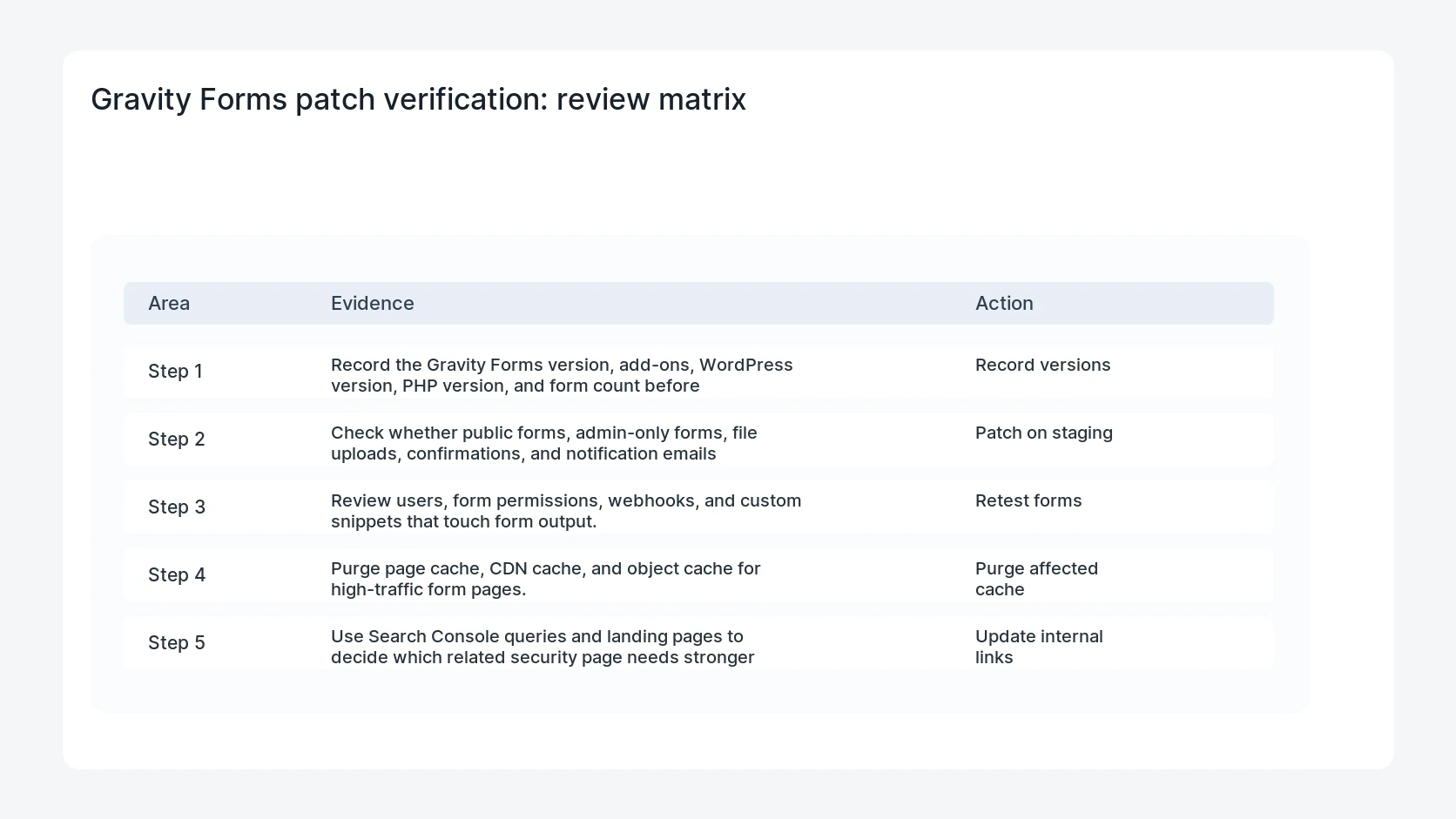
- Record the Gravity Forms version, add-ons, WordPress version, PHP version, and form count before patching.
- Check whether public forms, admin-only forms, file uploads, confirmations, and notification emails still work after update.
- Review users, form permissions, webhooks, and custom snippets that touch form output.
- Purge page cache, CDN cache, and object cache for high-traffic form pages.
- Use Search Console queries and landing pages to decide which related security page needs stronger internal links.
Diagnostic table
Use this table to keep the work practical. It connects the symptom to evidence and a verification step.
| Action | Evidence to collect | How to verify |
|---|
| Record versions | Record the Gravity Forms version, add-ons, WordPress version, PHP version, and form count before patching. | The installed version matches the patched release. |
| Patch on staging | Check whether public forms, admin-only forms, file uploads, confirmations, and notification emails still work after update. | Each high-value form submits, validates, emails, and records entries correctly. |
| Retest forms | Review users, form permissions, webhooks, and custom snippets that touch form output. | No unknown admin, webhook, or custom snippet controls form output. |
| Purge affected cache | Purge page cache, CDN cache, and object cache for high-traffic form pages. | The client note explains the risk, fix, and tested forms. |
Useful command or data shape
Adapt paths, IDs, and privacy handling to the site before running commands or storing data on production.
patch_record:
  plugin: gravityforms
  installed_version: 2.x
  fixed_version: current
  forms_tested: contact, quote, newsletter
  cache_purged: page, cdn, object
  search_signal: gravity_forms_xss_wordpress_checklist
Safe fix order
Do the work in a sequence that makes each result easy to prove. Stop if a step produces new evidence that changes the incident scope.
- Record versions
- Patch on staging
- Retest forms
- Purge affected cache
- Update internal links
Production verification checklist
- The installed version matches the patched release.
- Each high-value form submits, validates, emails, and records entries correctly.
- No unknown admin, webhook, or custom snippet controls form output.
- The client note explains the risk, fix, and tested forms.
Mistakes to avoid
- Do not judge the fix by one browser or the homepage only.
- Do not delete evidence before recording usernames, file paths, timestamps, and response headers.
- Do not add a cache, security, or tracking plugin while the original problem is still unclear.
- Do not leave test users, temporary debug logs, or broad API keys active after verification.
When HandL WP should help
Bring in help when this affects leads, checkout, search visibility, malware risk, paid media reporting, or a client production site. HandL WP can trace the issue through WordPress, hosting, cache, tracking, and Search Console, then verify the workflow after the technical fix.
If this is active on a production site, verify a WordPress form security patch.
Related HandL WP guides
Use these related guides when the same issue touches tracking, security, checkout, or crawler visibility.
Review WordPress 7.0.3 contributor content surfaces
Run the WordPress 7.0.3 contributor stored XSS content review for blocks, Quick Edit, dates, custom CSS, revisions, feeds, and cached output without competing with the Gravity Forms-specific audit.
Helpful references