WooCommerce pages can be fast and still wrong if the mini cart, cart fragments, coupon state, or session cookies are cached for the wrong visitor. Start by separating static catalog speed from shopper-specific checkout state.
Use this when shoppers see old mini-cart totals, coupons vanish, shipping changes do not stick, logged-in prices leak, or checkout works only after a hard refresh.
Quick answer
WooCommerce Mini Cart Cache Exclusion Rules for Checkout should be handled with a narrow evidence-first workflow: map cart paths, map shopper cookies, test checkout state, then verify the result before making broader changes.
What to check first
- Exclude cart, checkout, my-account, order-pay, order-received, and any custom checkout funnel paths from full-page cache.
- Bypass cache when WooCommerce session, cart hash, logged-in, currency, or customer pricing cookies are present.
- Check whether mini-cart fragments, AJAX endpoints, Store API calls, and coupon calls return visitor-specific data.
- Test coupon add, quantity change, shipping change, and logged-in pricing from a fresh browser session.
- Document which cache layer owns each rule: plugin, host, CDN, object cache, or browser cache.
Diagnostic table
Use this table to keep the work practical. It connects the symptom to evidence and a verification step.
| Action | Evidence to collect | How to verify |
|---|
| Map cart paths | Exclude cart, checkout, my-account, order-pay, order-received, and any custom checkout funnel paths from full-page cache. | A new visitor, returning visitor, and logged-in customer each see their own cart state. |
| Map shopper cookies | Bypass cache when WooCommerce session, cart hash, logged-in, currency, or customer pricing cookies are present. | Coupon, shipping, and quantity changes update both the mini cart and checkout totals. |
| Test checkout state | Check whether mini-cart fragments, AJAX endpoints, Store API calls, and coupon calls return visitor-specific data. | CDN and host cache headers show bypass or private behavior for shopper-specific routes. |
| Adjust cache rules | Test coupon add, quantity change, shipping change, and logged-in pricing from a fresh browser session. | Catalog pages remain cacheable after checkout exclusions are tightened. |
Why this usually happens
- A performance plugin caches a cart-adjacent page that was built for one shopper.
- A CDN rule ignores WooCommerce cookies because the route looks like a normal HTML page.
- Object cache stores product or fragment data without the right invalidation after price or stock changes.
- Mini-cart UI updates through JavaScript while the checkout page receives a different server state.
Field notes
- Do not turn off every cache layer as the permanent fix. Identify the exact path, cookie, and request method that must bypass cache.
- If the store has dynamic pricing, subscriptions, currency switching, memberships, or wholesale pricing, add those cookies to the audit.
Useful command or data shape
Adapt paths, IDs, and privacy handling to the site before running commands or storing data on production.
cache_exclusion_matrix:
  paths:
    - /cart/
    - /checkout/
    - /my-account/
    - /order-pay/
    - /checkout/order-received/
  cookies:
    - woocommerce_cart_hash
    - woocommerce_items_in_cart
    - wp_woocommerce_session_*
    - wordpress_logged_in_*
  requests:
    - /?wc-ajax=*
    - /wp-json/wc/store/*
Safe fix order
Do the work in a sequence that makes each result easy to prove. Stop if a step produces new evidence that changes the incident scope.
- Map cart paths
- Map shopper cookies
- Test checkout state
- Adjust cache rules
- Retest with receipts
What to tell the client or owner
Give the owner the final rule list, the cache layer that owns each rule, and the before and after evidence for cart and checkout requests.
Production verification checklist
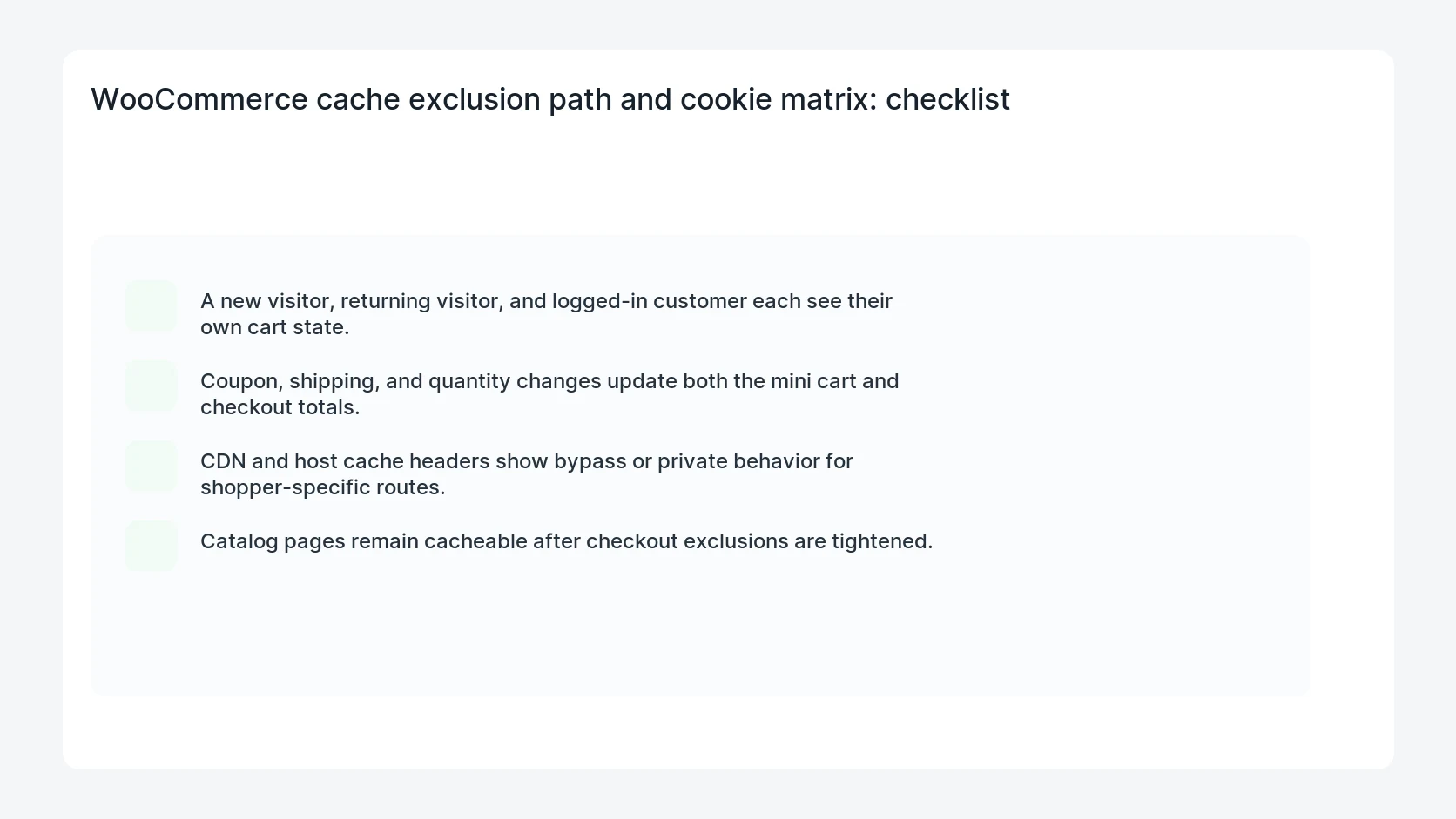
- A new visitor, returning visitor, and logged-in customer each see their own cart state.
- Coupon, shipping, and quantity changes update both the mini cart and checkout totals.
- CDN and host cache headers show bypass or private behavior for shopper-specific routes.
- Catalog pages remain cacheable after checkout exclusions are tightened.
Mistakes to avoid
- Do not judge the fix by one browser or the homepage only.
- Do not delete evidence before recording usernames, file paths, timestamps, and response headers.
- Do not add a cache, security, or tracking plugin while the original problem is still unclear.
- Do not leave test users, temporary debug logs, or broad API keys active after verification.
When HandL WP should help
Bring in help when this affects leads, checkout, search visibility, malware risk, paid media reporting, or a client production site. HandL WP can trace the issue through WordPress, hosting, cache, tracking, and Search Console, then verify the workflow after the technical fix.
If this is active on a production site, audit WooCommerce speed and cache rules.
Related HandL WP guides
Use these related guides when the same issue touches tracking, security, checkout, or crawler visibility.
Helpful references