Shopper list features such as wishlists or Save for Later can encourage email capture and remarketing. That is useful only when the store separates guest state, account state, consent state, and marketing eligibility. The privacy review should happen before the list data feeds emails, ads, or CRM segments.
Use this for WooCommerce teams testing shopper lists, wishlists, back-in-stock flows, saved carts, or account features tied to email capture and remarketing.
Quick answer
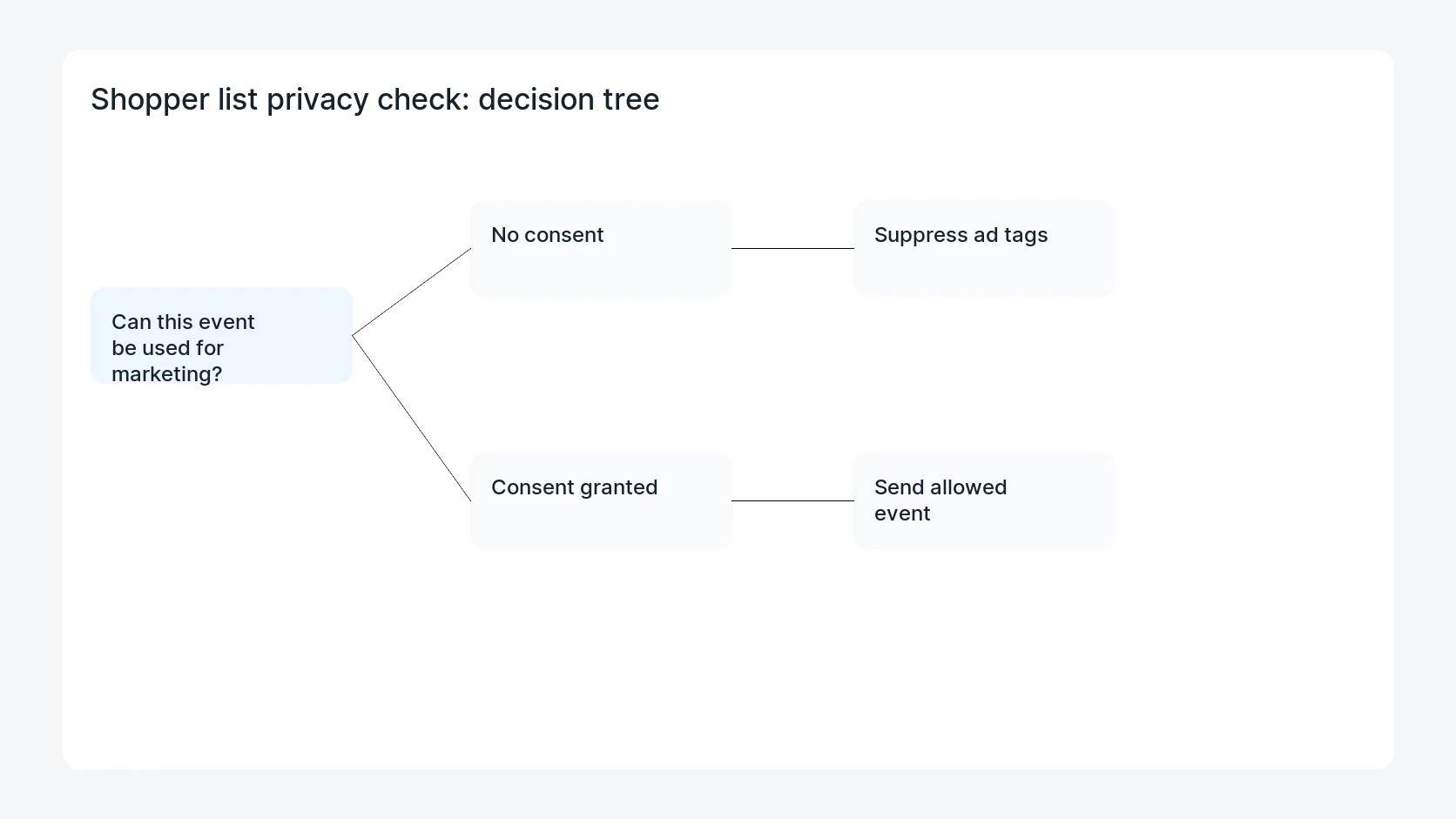
WooCommerce Shopper List Email Capture Privacy Check should be handled with a narrow evidence-first workflow: map email capture, separate states, gate marketing events, then verify the result before making broader changes.
What to check first
- Map every place an email is collected during saved-list, wishlist, or Save for Later flows.
- Separate guest list state, logged-in account state, and explicit marketing consent.
- Check whether list events fire when advertising consent is denied or missing.
- Confirm privacy export and deletion workflows include saved-list data where required.
- Test mobile, logged-in, logged-out, and shared-device scenarios before launch.
Diagnostic table
Use this table to keep the work practical. It connects the symptom to evidence and a verification step.
| Action | Evidence to collect | How to verify |
|---|
| Map email capture | Map every place an email is collected during saved-list, wishlist, or Save for Later flows. | Marketing events do not fire when consent is denied or missing. |
| Separate states | Separate guest list state, logged-in account state, and explicit marketing consent. | Saved-list data belongs to the intended account or guest session only. |
| Gate marketing events | Check whether list events fire when advertising consent is denied or missing. | Privacy export and deletion behavior is documented. |
| Check privacy exports | Confirm privacy export and deletion workflows include saved-list data where required. | The store owner knows which list signals can enter email or ad audiences. |
Why this usually happens
- Saved-list data can look like product intent, but marketing use still depends on consent and policy.
- Guest sessions can be cached or shared in ways logged-in accounts are not.
- A wishlist plugin may send email events separately from WooCommerce checkout consent.
- Privacy export and deletion flows are often forgotten until a customer requests them.
Field notes
- Use one test customer and one guest session with the same product to compare behavior.
- Document which events are operational only and which are marketing events.
- Do not treat an account login as blanket consent for advertising tags.
Useful command or data shape
Adapt paths, IDs, and privacy handling to the site before running commands or storing data on production.
privacy_matrix:
  visitor_state: guest, logged_in
  list_action: save_for_later, wishlist, email_me
  consent_state: granted, denied, missing
  allowed_events: operational_save, marketing_email, remarketing_event
  export_scope: saved_products, timestamps, email_source
Safe fix order
Do the work in a sequence that makes each result easy to prove. Stop if a step produces new evidence that changes the incident scope.
- Map email capture
- Separate states
- Gate marketing events
- Check privacy exports
- Retest devices
What to tell the client or owner
Give marketing a table that names the event, source, consent requirement, stored fields, and whether the field can be used for ads or email.
Production verification checklist
- Marketing events do not fire when consent is denied or missing.
- Saved-list data belongs to the intended account or guest session only.
- Privacy export and deletion behavior is documented.
- The store owner knows which list signals can enter email or ad audiences.
Mistakes to avoid
- Do not judge the fix by one browser or the homepage only.
- Do not delete evidence before recording usernames, file paths, timestamps, and response headers.
- Do not add a cache, security, or tracking plugin while the original problem is still unclear.
- Do not leave test users, temporary debug logs, or broad API keys active after verification.
When HandL WP should help
Bring in help when this affects leads, checkout, search visibility, malware risk, paid media reporting, or a client production site. HandL WP can trace the issue through WordPress, hosting, cache, tracking, and Search Console, then verify the workflow after the technical fix.
If this is active on a production site, review WooCommerce shopper privacy.
Related HandL WP guides
Use these related guides when the same issue touches tracking, security, checkout, or crawler visibility.
Helpful references