The WordPress 7.1 roadmap describes richer Notes work, including suggestion mode and reactions. That can help agencies and business teams keep feedback inside WordPress, but it also creates a new editorial workflow that needs role, revision, and approval testing.
Use this for WordPress sites where clients, editors, agencies, legal reviewers, SEO teams, or product owners comment on drafts before content goes live.
Quick answer
WordPress 7.1 Notes Suggestion Mode QA Checklist should be handled with a narrow evidence-first workflow: map reviewer roles, test revisions, check visibility, then verify the result before making broader changes.
What to check first
- Test who can create notes, suggest changes, accept changes, resolve comments, and edit the final post.
- Confirm accepted suggestions create a recoverable revision or another audit trail.
- Check whether comments and reactions expose private review notes to the wrong role.
- Run the workflow on posts, pages, patterns, and templates if those surfaces are part of client review.
- Document what happens when two reviewers suggest changes to the same paragraph.
Diagnostic table
Use this table to keep the work practical. It connects the symptom to evidence and a verification step.
| Action | Evidence to collect | How to verify |
|---|
| Map reviewer roles | Test who can create notes, suggest changes, accept changes, resolve comments, and edit the final post. | A reviewer can suggest a change without publishing it. |
| Test revisions | Confirm accepted suggestions create a recoverable revision or another audit trail. | Only approved roles can accept or reject suggestions. |
| Check visibility | Check whether comments and reactions expose private review notes to the wrong role. | Resolved notes do not expose private client feedback publicly. |
| Test all surfaces | Run the workflow on posts, pages, patterns, and templates if those surfaces are part of client review. | The team can recover the pre-acceptance content from revision history. |
Useful command or data shape
Adapt paths, IDs, and privacy handling to the site before running commands or storing data on production.
review_policy:
  surface: post_editor
  roles_allowed_to_suggest: editor, client_reviewer
  roles_allowed_to_accept: editor, agency_admin
  revision_required: true
  production_rule: accept suggestions only after ticket approval
Safe fix order
Do the work in a sequence that makes each result easy to prove. Stop if a step produces new evidence that changes the incident scope.
- Map reviewer roles
- Test revisions
- Check visibility
- Test all surfaces
- Document conflicts
Production verification checklist
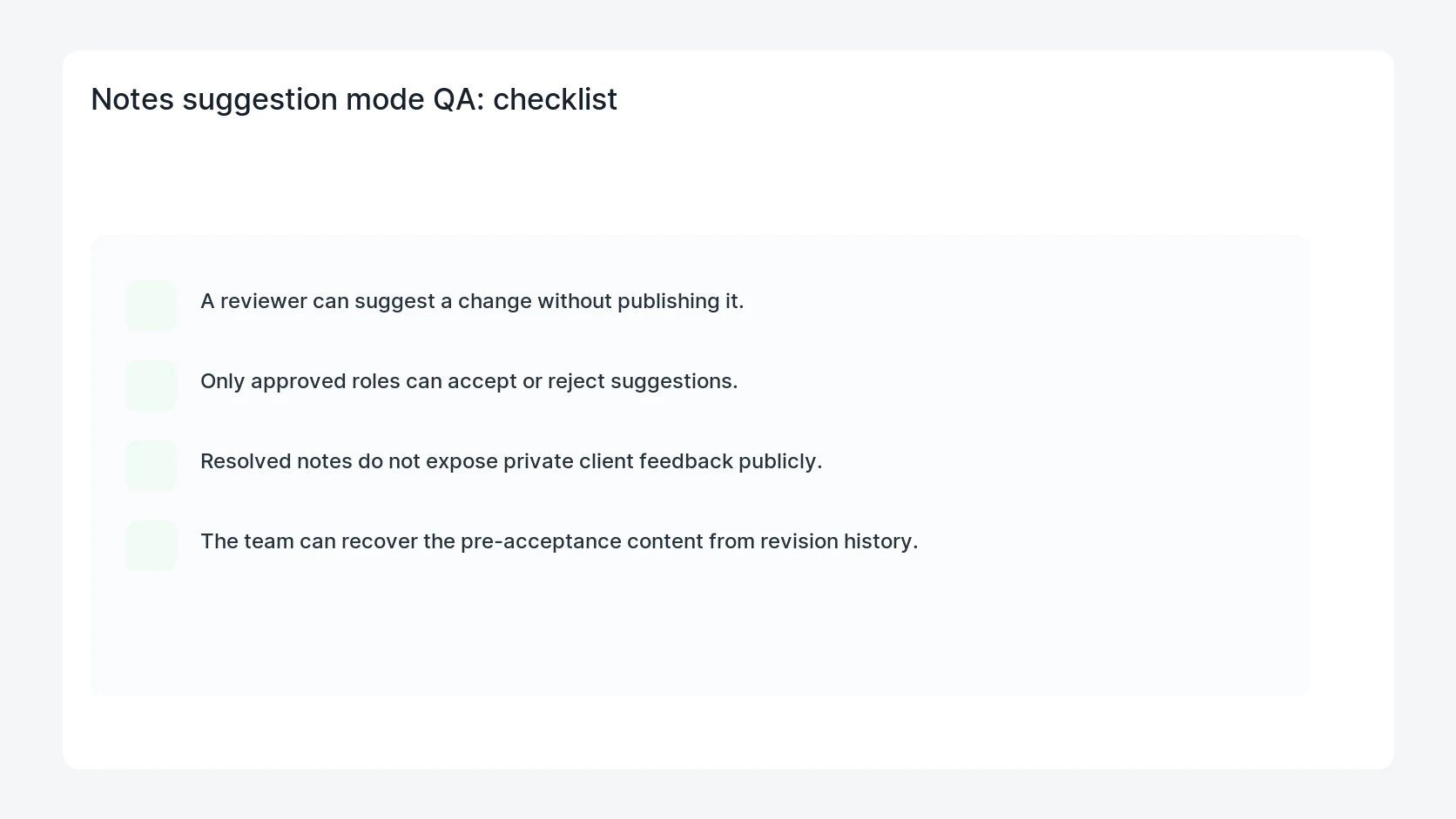
- A reviewer can suggest a change without publishing it.
- Only approved roles can accept or reject suggestions.
- Resolved notes do not expose private client feedback publicly.
- The team can recover the pre-acceptance content from revision history.
Mistakes to avoid
- Do not judge the fix by one browser or the homepage only.
- Do not delete evidence before recording usernames, file paths, timestamps, and response headers.
- Do not add a cache, security, or tracking plugin while the original problem is still unclear.
- Do not leave test users, temporary debug logs, or broad API keys active after verification.
When HandL WP should help
Bring in help when this affects leads, checkout, search visibility, malware risk, paid media reporting, or a client production site. HandL WP can trace the issue through WordPress, hosting, cache, tracking, and Search Console, then verify the workflow after the technical fix.
If this is active on a production site, prepare WordPress editorial workflows.
Related HandL WP guides
Use these related guides when the same issue touches tracking, security, checkout, or crawler visibility.
Helpful references