The WordPress 7.1 roadmap and Gutenberg 23.3 release notes point to responsive and pseudo-state styling work inside the editor. That gives teams more control without writing CSS, but it also means block instance changes can affect mobile layout, calls to action, accessibility, and crawlable content.
Use this for block theme sites, landing pages, service pages, ecommerce templates, and content teams that adjust layout directly in the Site Editor.
Quick answer
WordPress 7.1 Responsive Style State Regression Checklist should be handled with a narrow evidence-first workflow: pick templates, test viewports, check states, then verify the result before making broader changes.
What to check first
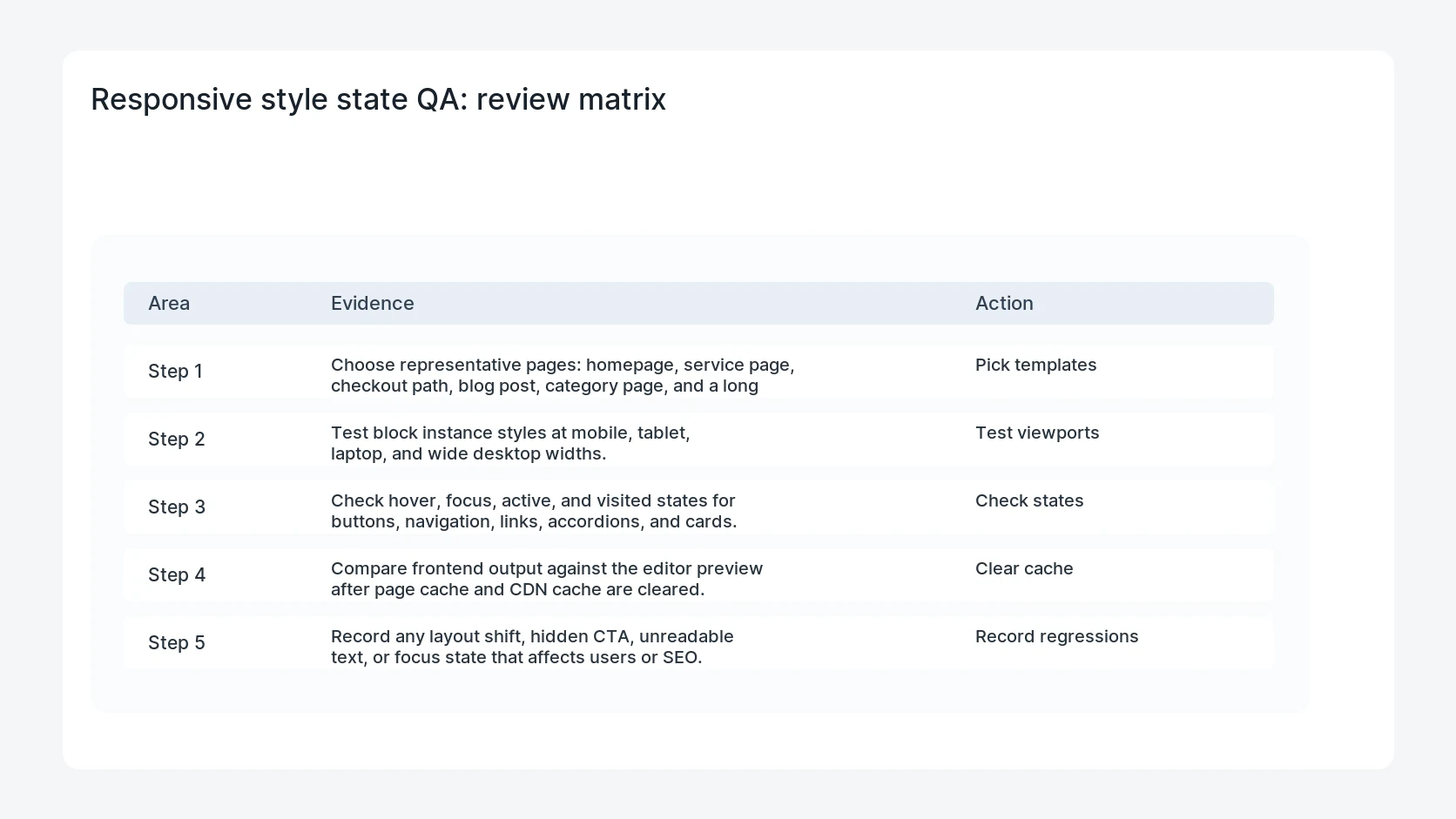
- Choose representative pages: homepage, service page, checkout path, blog post, category page, and a long landing page.
- Test block instance styles at mobile, tablet, laptop, and wide desktop widths.
- Check hover, focus, active, and visited states for buttons, navigation, links, accordions, and cards.
- Compare frontend output against the editor preview after page cache and CDN cache are cleared.
- Record any layout shift, hidden CTA, unreadable text, or focus state that affects users or SEO.
Diagnostic table
Use this table to keep the work practical. It connects the symptom to evidence and a verification step.
| Action | Evidence to collect | How to verify |
|---|
| Pick templates | Choose representative pages: homepage, service page, checkout path, blog post, category page, and a long landing page. | High-value pages keep visible headings, CTAs, and internal links on mobile. |
| Test viewports | Test block instance styles at mobile, tablet, laptop, and wide desktop widths. | Hover and focus styles are clear without hiding content. |
| Check states | Check hover, focus, active, and visited states for buttons, navigation, links, accordions, and cards. | The frontend matches the intended style after cache purge. |
| Clear cache | Compare frontend output against the editor preview after page cache and CDN cache are cleared. | Responsive changes do not create layout shift or blocked text. |
Useful command or data shape
Adapt paths, IDs, and privacy handling to the site before running commands or storing data on production.
qa_viewports:
  mobile: 390x844
  tablet: 768x1024
  laptop: 1440x900
  wide: 1920x1080
checks:
  - hero CTA visible
  - focus outline visible
  - no text overlap
  - no content hidden by responsive state
Safe fix order
Do the work in a sequence that makes each result easy to prove. Stop if a step produces new evidence that changes the incident scope.
- Pick templates
- Test viewports
- Check states
- Clear cache
- Record regressions
Production verification checklist
- High-value pages keep visible headings, CTAs, and internal links on mobile.
- Hover and focus styles are clear without hiding content.
- The frontend matches the intended style after cache purge.
- Responsive changes do not create layout shift or blocked text.
Mistakes to avoid
- Do not judge the fix by one browser or the homepage only.
- Do not delete evidence before recording usernames, file paths, timestamps, and response headers.
- Do not add a cache, security, or tracking plugin while the original problem is still unclear.
- Do not leave test users, temporary debug logs, or broad API keys active after verification.
When HandL WP should help
Bring in help when this affects leads, checkout, search visibility, malware risk, paid media reporting, or a client production site. HandL WP can trace the issue through WordPress, hosting, cache, tracking, and Search Console, then verify the workflow after the technical fix.
If this is active on a production site, audit WordPress responsive SEO issues.
Related HandL WP guides
Use these related guides when the same issue touches tracking, security, checkout, or crawler visibility.
Turn responsive states into exact release fixtures
Use the theme.json responsive migration test, the viewport breakpoint validation matrix, the Button focus and hover accessibility test, and the Navigation current-state regression test for component-level evidence.
Add the Gutenberg 23.7 float and sticky collision fixture
Use the Gutenberg 23.7 floated block and sticky overlap regression test for long content, RTL, boundary widths, zoom, and theme-specific stacking contexts.
Helpful references