SVG uploads are useful for logos and design files, but they can also contain scriptable content. When Gravity Forms accepts SVG files, the site needs a documented sanitizer, public-path decision, malware scan behavior, and quarantine workflow.
Use this for WordPress sites that collect logos, artwork, resumes, documents, support screenshots, or vendor files through Gravity Forms upload fields.
Quick answer
Gravity Forms SVG Upload Risk and Sanitizer Audit should be handled with a narrow evidence-first workflow: inventory file fields, challenge svg need, test sanitizer, then verify the result before making broader changes.
What to check first
- List every Gravity Forms file upload field and whether SVG is allowed.
- Confirm the business reason for SVG instead of safer image or document formats.
- Test sanitizer behavior with a harmless SVG fixture that contains a script-like element.
- Check whether uploaded SVG files are publicly reachable or stored behind access controls.
- Quarantine suspicious uploads before deletion so the incident evidence is preserved.
Diagnostic table
Use this table to keep the work practical. It connects the symptom to evidence and a verification step.
| Action | Evidence to collect | How to verify |
|---|
| Inventory file fields | List every Gravity Forms file upload field and whether SVG is allowed. | Every SVG-capable upload field has a documented business owner. |
| Challenge SVG need | Confirm the business reason for SVG instead of safer image or document formats. | Sanitizer behavior is tested and recorded. |
| Test sanitizer | Test sanitizer behavior with a harmless SVG fixture that contains a script-like element. | Public SVG URLs are allowed only when the risk is accepted. |
| Review storage path | Check whether uploaded SVG files are publicly reachable or stored behind access controls. | Suspicious files are quarantined with evidence before removal. |
Why this usually happens
- File type lists are often copied from one form to another without a security review.
- SVG looks like an image to users, but it is closer to XML that can reference active content.
- A media-library plugin may allow SVG globally while Gravity Forms accepts it only in one field.
- Deleting a suspicious upload immediately can remove useful forensic details.
Field notes
- Do not test with a real malicious payload on a client production site.
- Keep form ID, field ID, entry ID, filename, uploader IP, timestamp, and file hash in the audit note.
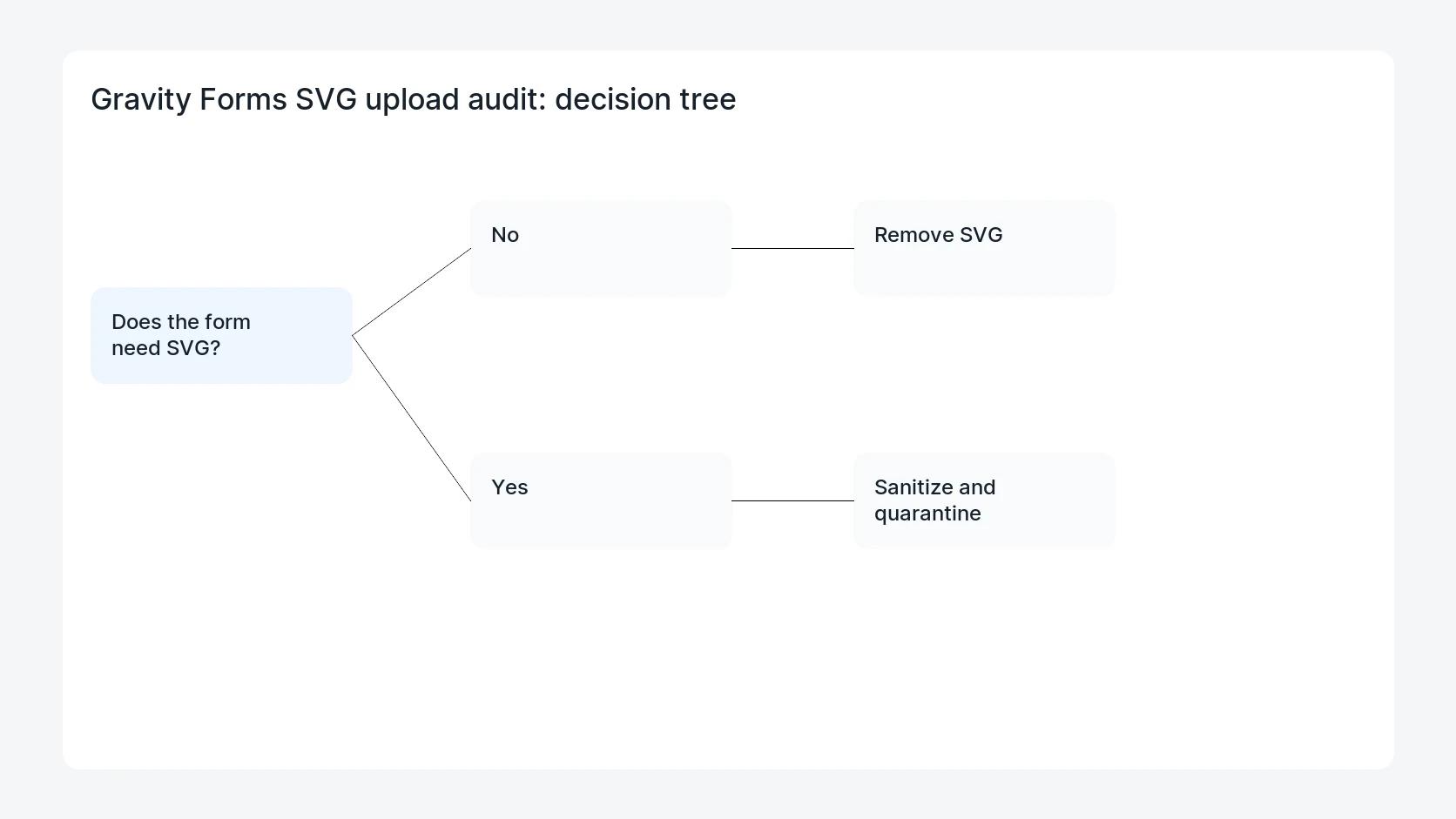
- If the site does not truly need SVG, remove it from allowed extensions.
Useful command or data shape
Adapt paths, IDs, and privacy handling to the site before running commands or storing data on production.
wp eval 'foreach (GFAPI::get_forms() as $form) { foreach ($form["fields"] as $field) { if ($field->type === "fileupload") { echo $form["id"] . "\t" . $field->id . "\t" . $field->allowedExtensions . "\n"; } } }'
find wp-content/uploads/gravity_forms -type f -name '*.svg' -print
# Record hashes and quarantine suspicious files before deleting public copies.
Safe fix order
Do the work in a sequence that makes each result easy to prove. Stop if a step produces new evidence that changes the incident scope.
- Inventory file fields
- Challenge SVG need
- Test sanitizer
- Review storage path
- Quarantine evidence
What to tell the client or owner
Tell the client whether SVG remains allowed, what sanitizer or storage rule protects the field, and which test entry proves the form still accepts legitimate files.
Production verification checklist
- Every SVG-capable upload field has a documented business owner.
- Sanitizer behavior is tested and recorded.
- Public SVG URLs are allowed only when the risk is accepted.
- Suspicious files are quarantined with evidence before removal.
Mistakes to avoid
- Do not judge the fix by one browser or the homepage only.
- Do not delete evidence before recording usernames, file paths, timestamps, and response headers.
- Do not add a cache, security, or tracking plugin while the original problem is still unclear.
- Do not leave test users, temporary debug logs, or broad API keys active after verification.
When HandL WP should help
Bring in help when this affects leads, checkout, search visibility, malware risk, paid media reporting, or a client production site. HandL WP can trace the issue through WordPress, hosting, cache, tracking, and Search Console, then verify the workflow after the technical fix.
If this is active on a production site, audit Gravity Forms upload security.
Related HandL WP guides
Use these related guides when the same issue touches tracking, security, checkout, or crawler visibility.
Helpful references