A Gravity Forms REST API integration should use the minimum role and capabilities needed for its endpoint work. The audit starts by mapping each credential to owner, endpoint, method, form IDs, data sensitivity, and revoke conditions.
Use this for CRM syncs, reporting dashboards, Zapier or Make integrations, mobile apps, vendor tools, and custom plugins that read or change Gravity Forms entries.
Quick answer
Gravity Forms REST API Least Privilege Role Map should be handled with a narrow evidence-first workflow: inventory credentials, map endpoint methods, reduce capabilities, then verify the result before making broader changes.
What to check first
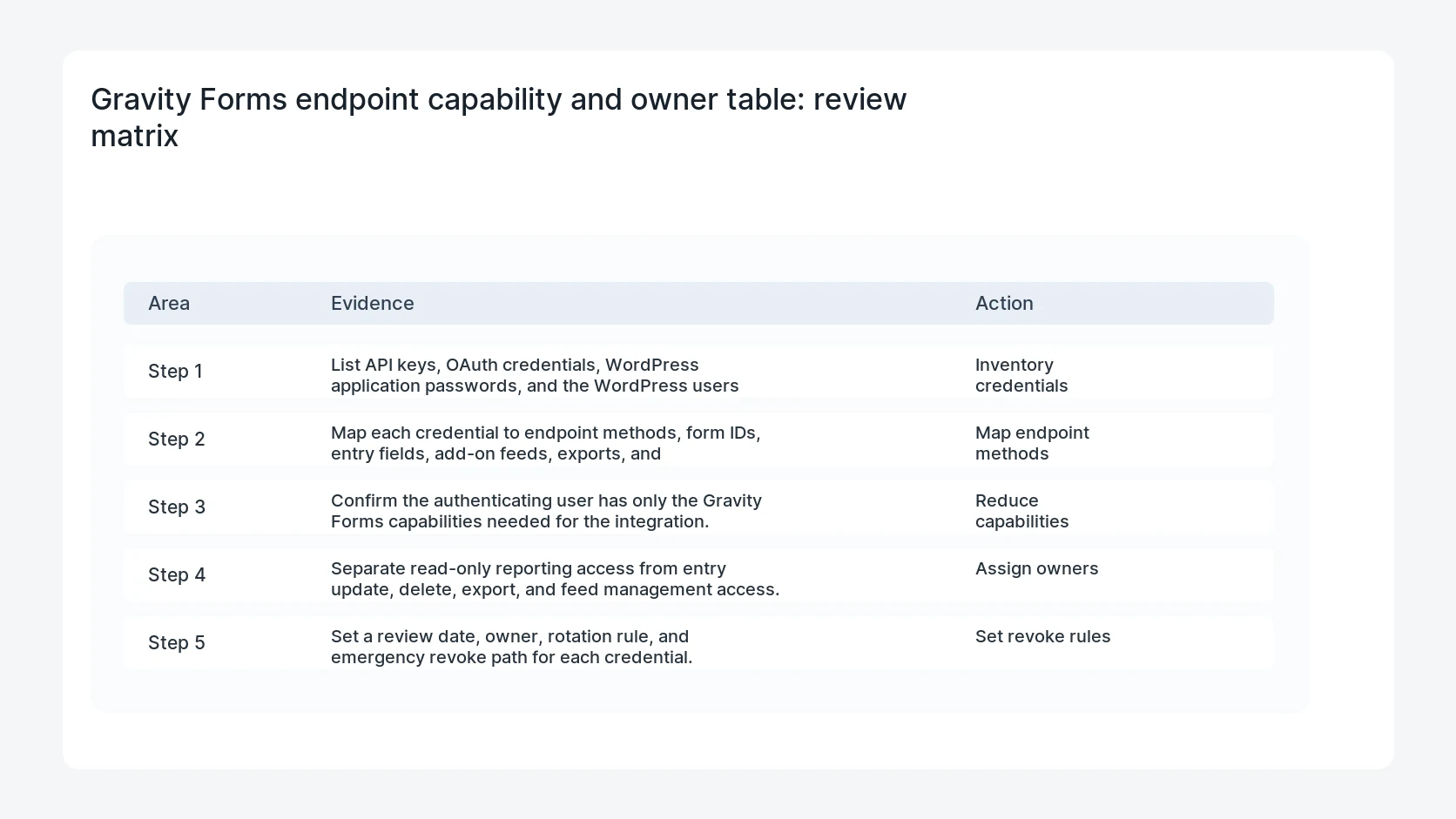
- List API keys, OAuth credentials, WordPress application passwords, and the WordPress users behind them.
- Map each credential to endpoint methods, form IDs, entry fields, add-on feeds, exports, and notifications touched.
- Confirm the authenticating user has only the Gravity Forms capabilities needed for the integration.
- Separate read-only reporting access from entry update, delete, export, and feed management access.
- Set a review date, owner, rotation rule, and emergency revoke path for each credential.
Diagnostic table
Use this table to keep the work practical. It connects the symptom to evidence and a verification step.
| Action | Evidence to collect | How to verify |
|---|
| Inventory credentials | List API keys, OAuth credentials, WordPress application passwords, and the WordPress users behind them. | The integration works with the reduced role and documented Gravity Forms capabilities. |
| Map endpoint methods | Map each credential to endpoint methods, form IDs, entry fields, add-on feeds, exports, and notifications touched. | Credentials that can export, edit, delete, or manage feeds have explicit business approval. |
| Reduce capabilities | Confirm the authenticating user has only the Gravity Forms capabilities needed for the integration. | Former vendors and unused tools cannot authenticate. |
| Assign owners | Separate read-only reporting access from entry update, delete, export, and feed management access. | The owner knows who rotates each credential and where the test evidence lives. |
Why this usually happens
- Teams create an administrator user because it is the fastest way to make an API test pass.
- A read-only dashboard keeps credentials that can edit or delete entries.
- One vendor credential gets reused across forms with different privacy risk.
- Credentials remain active after a CRM, reporting tool, or agency relationship changes.
Field notes
- Least privilege is easier to sell when the owner sees endpoint methods and form names, not only role labels.
- Keep a break-glass owner for lead capture. Revoking a bad credential should not break every production form.
Useful command or data shape
Adapt paths, IDs, and privacy handling to the site before running commands or storing data on production.
least_privilege_row:
  integration: crm-lead-sync
  wordpress_user: gf-api-crm
  auth_method: application_password
  endpoints: [GET /forms/3/entries, PUT /entries/{id}]
  capabilities_needed: [gravityforms_view_entries, gravityforms_edit_entries]
  admin_required: false
  rotate_by: 2026-08-05
Safe fix order
Do the work in a sequence that makes each result easy to prove. Stop if a step produces new evidence that changes the incident scope.
- Inventory credentials
- Map endpoint methods
- Reduce capabilities
- Assign owners
- Set revoke rules
What to tell the client or owner
Send the owner the credential map, reduced permission set, forms affected, and a test entry that proves lead capture still works.
Production verification checklist
- The integration works with the reduced role and documented Gravity Forms capabilities.
- Credentials that can export, edit, delete, or manage feeds have explicit business approval.
- Former vendors and unused tools cannot authenticate.
- The owner knows who rotates each credential and where the test evidence lives.
Mistakes to avoid
- Do not judge the fix by one browser or the homepage only.
- Do not delete evidence before recording usernames, file paths, timestamps, and response headers.
- Do not add a cache, security, or tracking plugin while the original problem is still unclear.
- Do not leave test users, temporary debug logs, or broad API keys active after verification.
When HandL WP should help
Bring in help when this affects leads, checkout, search visibility, malware risk, paid media reporting, or a client production site. HandL WP can trace the issue through WordPress, hosting, cache, tracking, and Search Console, then verify the workflow after the technical fix.
If this is active on a production site, audit Gravity Forms API access and permissions.
Related HandL WP guides
Use these related guides when the same issue touches tracking, security, checkout, or crawler visibility.
Test current Gravity Forms API response contracts
After assigning least-privilege roles, run the Gravity Forms 3.1.1 impersonated Web API entry ID permission test. Custom integrations can also use the GFAPI submit_form entry ID integration test to correlate the exact stored entry without weakening role boundaries.
Helpful references