When a vendor leaves a project, Gravity Forms REST API access should be retired with the same care as hosting, CRM, analytics, and email credentials. The hard part is removing access without breaking live forms or losing integration history.
Use this when an agency, freelancer, automation vendor, CRM consultant, or reporting partner had access to Gravity Forms entries, endpoints, webhooks, or API credentials.
Quick answer
Gravity Forms REST API Vendor Offboarding Checklist should be handled with a narrow evidence-first workflow: inventory access, map owners, create replacements, then verify the result before making broader changes.
What to check first
- Inventory Gravity Forms REST API keys, WordPress application passwords, plugin API keys, webhook URLs, and CRM tokens.
- Map each credential to a human owner, integration, last-used date, and form or endpoint it touches.
- Create replacement credentials before revoking old ones when an active integration still needs access.
- Rotate WordPress user passwords, application passwords, and shared mailbox access tied to the vendor.
- Test each live form, webhook, notification, and CRM destination after revocation.
Diagnostic table
Use this table to keep the work practical. It connects the symptom to evidence and a verification step.
| Action | Evidence to collect | How to verify |
|---|
| Inventory access | Inventory Gravity Forms REST API keys, WordPress application passwords, plugin API keys, webhook URLs, and CRM tokens. | Former vendor accounts cannot authenticate to WordPress or Gravity Forms endpoints. |
| Map owners | Map each credential to a human owner, integration, last-used date, and form or endpoint it touches. | Live forms still create entries, send notifications, and update CRM records. |
| Create replacements | Create replacement credentials before revoking old ones when an active integration still needs access. | The new owner knows where credentials are stored and when they were rotated. |
| Revoke old credentials | Rotate WordPress user passwords, application passwords, and shared mailbox access tied to the vendor. | Logs show no unexpected access after the revocation time. |
Why this usually happens
- REST API keys are created for a vendor account and then forgotten after the integration goes live.
- A WordPress user owns application passwords that still work even after normal plugin settings are updated.
- A CRM webhook or Zapier step still sends to a URL owned by the former vendor.
- Teams revoke access before creating a replacement, so lead capture breaks during the cleanup.
Field notes
- Keep the offboarding evidence simple: old credential, replacement credential, forms affected, test entry ID, and final owner.
- If the vendor handled sensitive uploads, pair credential cleanup with a file retention and backup review.
Useful command or data shape
Adapt paths, IDs, and privacy handling to the site before running commands or storing data on production.
vendor_access_inventory:
  vendor: example-agency
  wordpress_user: vendor-api
  app_passwords: 2
  gravity_forms_api_keys: 1
  forms_touched: [quote-request, support-intake]
  replacement_owner: internal-ops
  revoke_after_test_entry: GF-9044
Safe fix order
Do the work in a sequence that makes each result easy to prove. Stop if a step produces new evidence that changes the incident scope.
- Inventory access
- Map owners
- Create replacements
- Revoke old credentials
- Test lead flow
What to tell the client or owner
Give the business a credential retirement record that proves access was removed and lead capture still works.
Production verification checklist
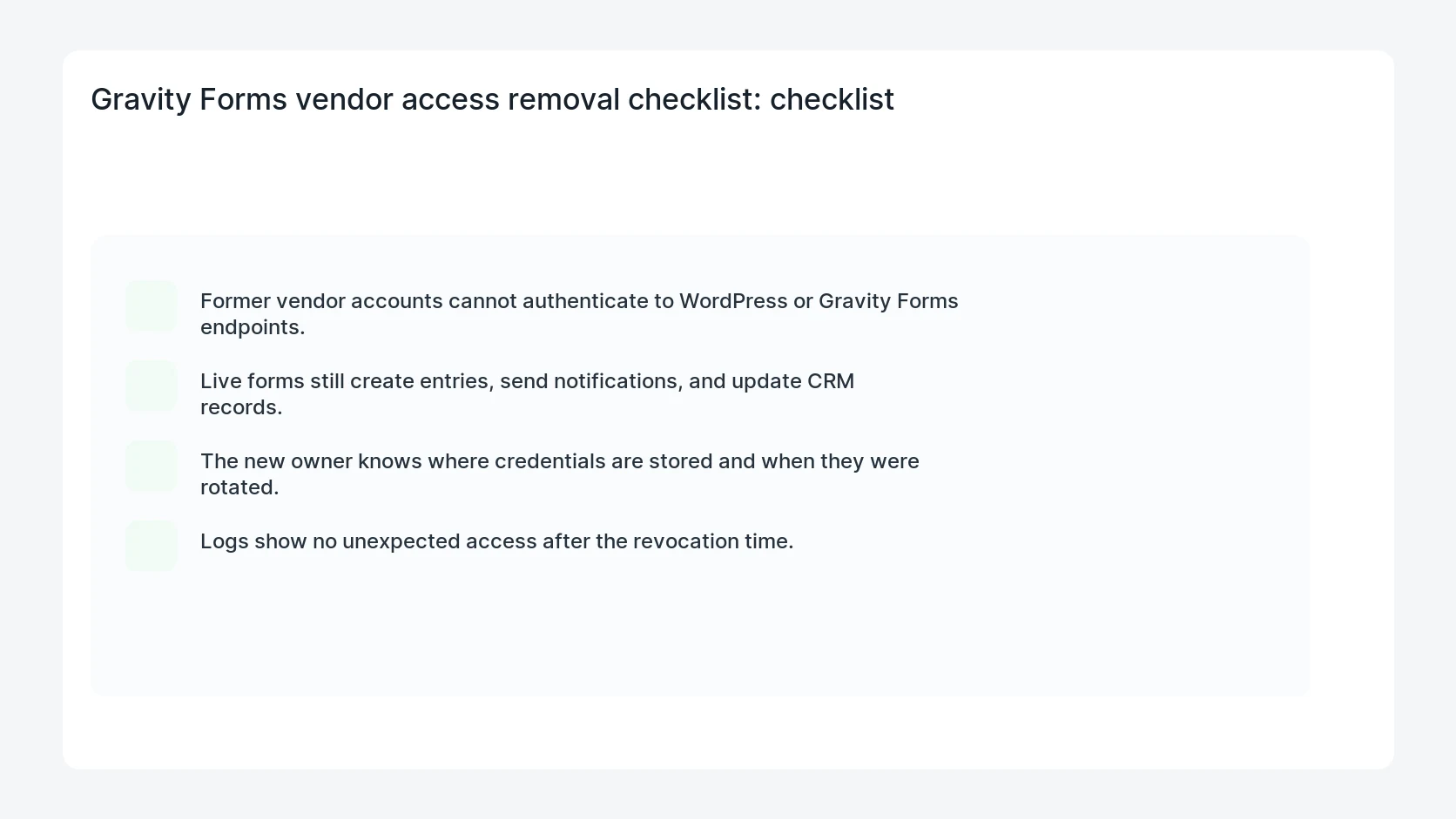
- Former vendor accounts cannot authenticate to WordPress or Gravity Forms endpoints.
- Live forms still create entries, send notifications, and update CRM records.
- The new owner knows where credentials are stored and when they were rotated.
- Logs show no unexpected access after the revocation time.
Mistakes to avoid
- Do not judge the fix by one browser or the homepage only.
- Do not delete evidence before recording usernames, file paths, timestamps, and response headers.
- Do not add a cache, security, or tracking plugin while the original problem is still unclear.
- Do not leave test users, temporary debug logs, or broad API keys active after verification.
When HandL WP should help
Bring in help when this affects leads, checkout, search visibility, malware risk, paid media reporting, or a client production site. HandL WP can trace the issue through WordPress, hosting, cache, tracking, and Search Console, then verify the workflow after the technical fix.
If this is active on a production site, review WordPress form and API access.
Related HandL WP guides
Use these related guides when the same issue touches tracking, security, checkout, or crawler visibility.
Helpful references