If Wordfence reports a vulnerability, suspicious file, or changed file that appears to be a false positive, document why before ignoring it. The proof should include affected component, version, file path, scan reason, exploitability, and monitoring plan.
Use this for agencies, care-plan teams, security reviewers, and site owners who need to explain why a Wordfence result was ignored or marked fixed.
Quick answer
Wordfence Vulnerability False Positive Proof Template should be handled with a narrow evidence-first workflow: record scan result, compare trusted source, assess exploitability, then verify the result before making broader changes.
What to check first
- Record the scan result title, severity, file path or plugin, detected version, current version, and scan timestamp.
- Compare the file or version against the trusted source, vendor changelog, repository, or known customization record.
- Check whether the reported condition is exploitable on this site based on active settings, roles, and public access.
- Capture evidence before choosing ignore, mark fixed, update, delete, restore, or escalate.
- Schedule a follow-up scan and keep the ignored result visible to the security owner.
Diagnostic table
Use this table to keep the work practical. It connects the symptom to evidence and a verification step.
| Action | Evidence to collect | How to verify |
|---|
| Record scan result | Record the scan result title, severity, file path or plugin, detected version, current version, and scan timestamp. | The security owner can explain why the result was ignored or marked fixed. |
| Compare trusted source | Compare the file or version against the trusted source, vendor changelog, repository, or known customization record. | A file diff, version check, vendor note, or customization record supports the decision. |
| Assess exploitability | Check whether the reported condition is exploitable on this site based on active settings, roles, and public access. | A follow-up scan is scheduled and the ignored result is still reviewable. |
| Capture evidence | Capture evidence before choosing ignore, mark fixed, update, delete, restore, or escalate. | Any uncertain result is escalated instead of being labeled false positive. |
Why this usually happens
- A legitimate customization changes a file Wordfence compares against the official copy.
- A scanner sees suspicious code patterns that are benign in this context.
- A plugin version alert lags behind a patched fork or vendor hotfix.
- The team marks a result as fixed to clean the dashboard, then loses the reason.
- The result is actually exploitable, but the site owner assumes all scanner noise is false positive.
Field notes
- The safest false-positive note includes a reason to revisit it. Ignore is not the same as forget.
- If there is no trusted source or diff evidence, call it unresolved rather than false positive.
Useful command or data shape
Adapt paths, IDs, and privacy handling to the site before running commands or storing data on production.
false_positive_record:
  scan_item: modified_core_file
  path: wp-includes/example.php
  detected_at: 2026-07-05T13:40:00Z
  evidence: matches documented vendor patch
  exploitability: not_publicly_reachable
  action: ignore_with_note
  review_after: next_core_update
Safe fix order
Do the work in a sequence that makes each result easy to prove. Stop if a step produces new evidence that changes the incident scope.
- Record scan result
- Compare trusted source
- Assess exploitability
- Capture evidence
- Set follow-up
What to tell the client or owner
Send the client a short note that says what Wordfence saw, why it was not exploitable or was already handled, and what will be monitored next.
Production verification checklist
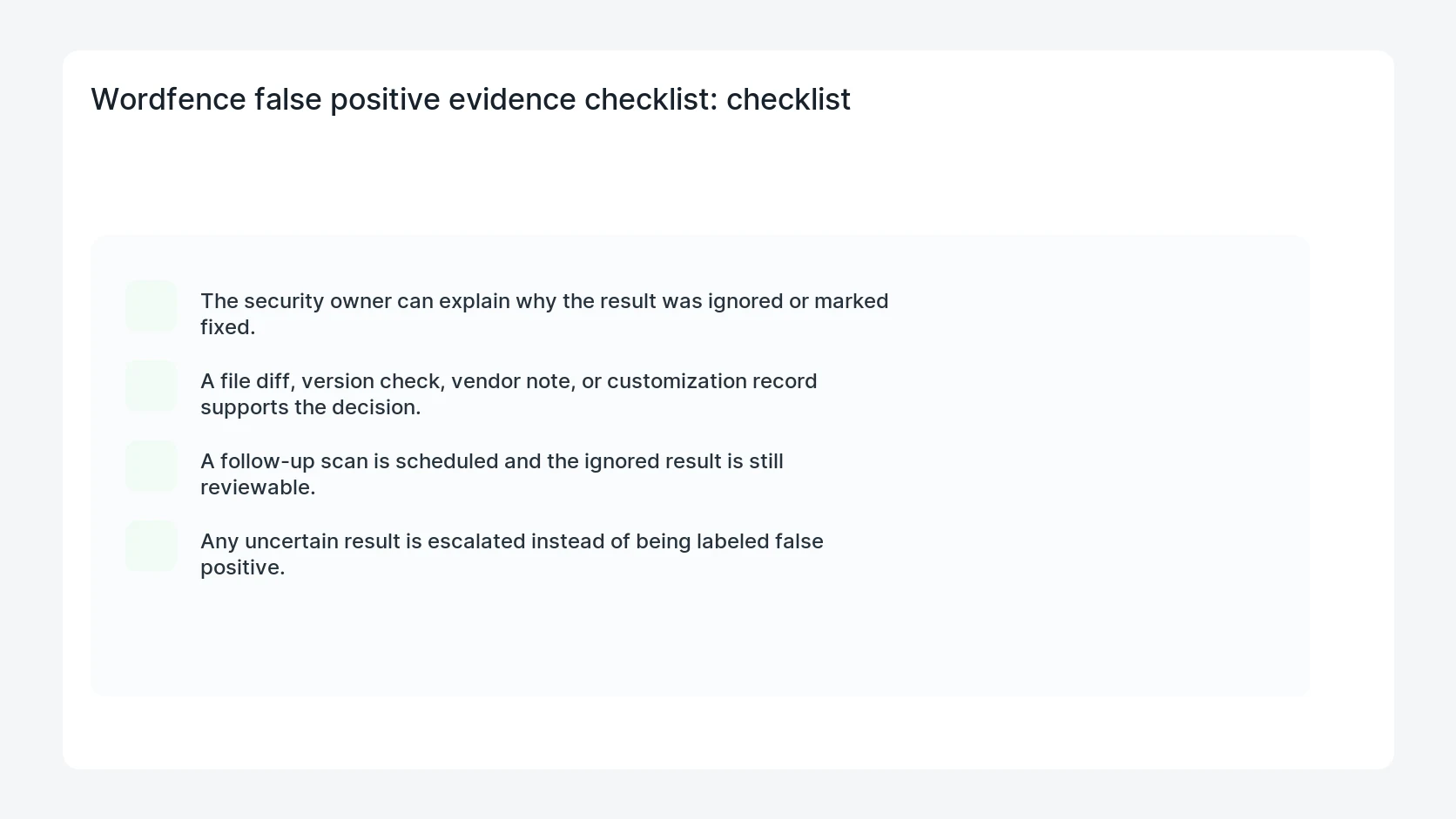
- The security owner can explain why the result was ignored or marked fixed.
- A file diff, version check, vendor note, or customization record supports the decision.
- A follow-up scan is scheduled and the ignored result is still reviewable.
- Any uncertain result is escalated instead of being labeled false positive.
Mistakes to avoid
- Do not judge the fix by one browser or the homepage only.
- Do not delete evidence before recording usernames, file paths, timestamps, and response headers.
- Do not add a cache, security, or tracking plugin while the original problem is still unclear.
- Do not leave test users, temporary debug logs, or broad API keys active after verification.
When HandL WP should help
Bring in help when this affects leads, checkout, search visibility, malware risk, paid media reporting, or a client production site. HandL WP can trace the issue through WordPress, hosting, cache, tracking, and Search Console, then verify the workflow after the technical fix.
If this is active on a production site, include Wordfence review and client reporting in a care plan.
Related HandL WP guides
Use these related guides when the same issue touches tracking, security, checkout, or crawler visibility.
Helpful references